

Click the WhatsApp icon and you will be asked a “Permission Request”. Just grant it.
After, granting the permission, WhatsApp will start opening and a notice (shown below) will pop up asking you to install an app called Parallel Space – 64Bit Support.
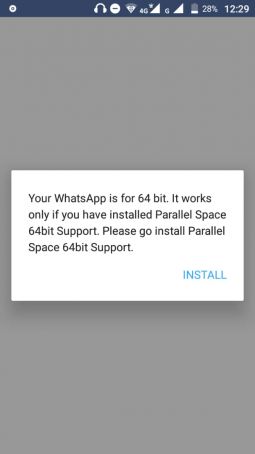
Got to the Google Play store and download and install that app (Parallel Space – 64Bit Support)
After downloading that second app, go back to the first Parallel Space you were using and click the WhatsApp icon again to see magic
There you are, once you click the WhatsApp icon in the Parallel Space app, WhatsApp will open just like how it does every day in your phone
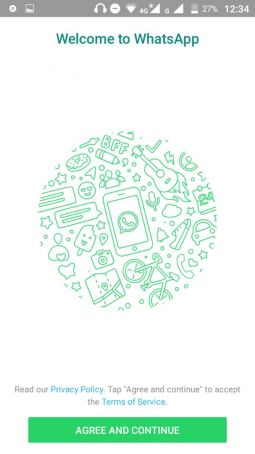
The rest is history, from here you know what to do to. You just have to put the other number you want to use as the second WhatsApp account.
There you have it, you now run two WhatsApp account on one phone.